Travel Security & Scam Awareness: Digital Safety Tips
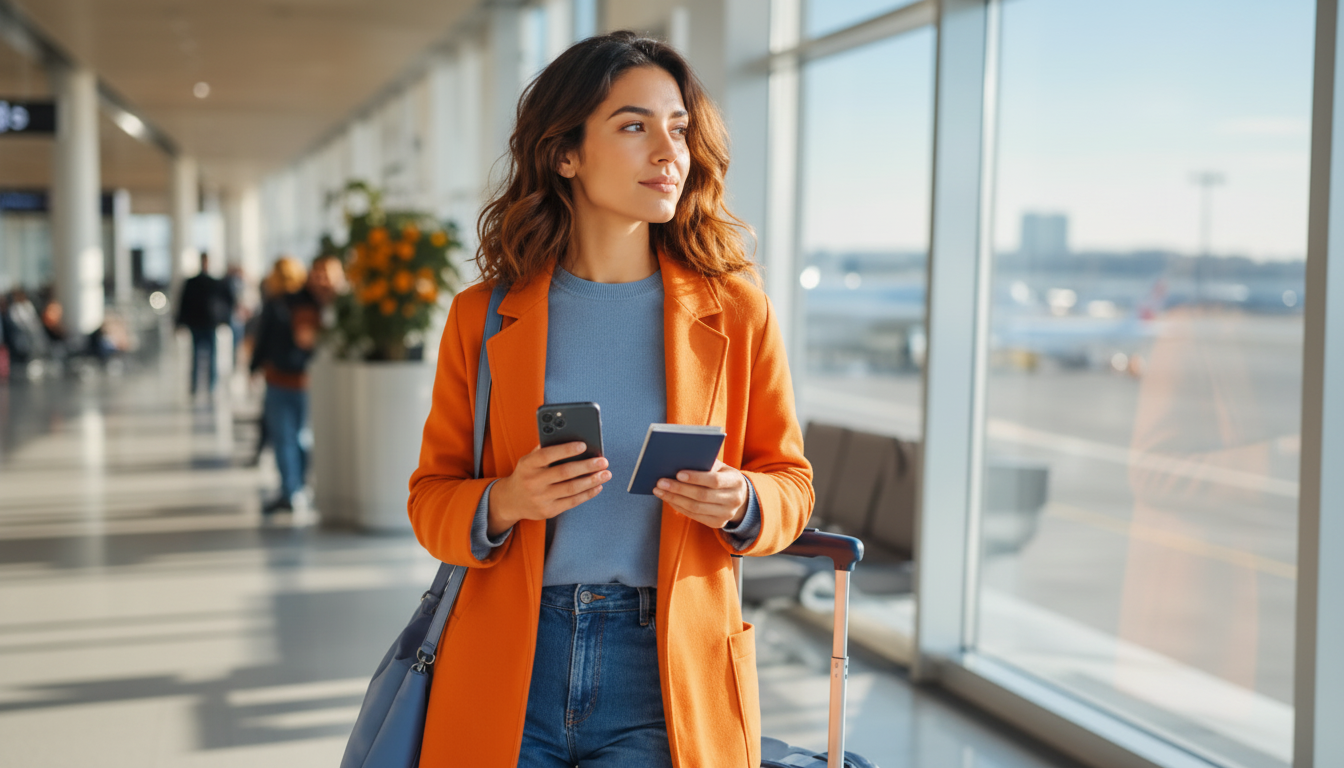
Travel Security & Scam Awareness Guide: A Digital Safety Handbook for Tourists, Solo Travelers, and Business Trips
Modern travel risks often start with a screen: a fake booking link, a public Wi‑Fi trap, a spoofed airline text, or a “helpful” stranger pushing a payment app. This handbook-style guide breaks travel security into clear steps—before departure, in transit, at the hotel, and on the move—so personal data, money, and devices stay protected without turning the trip into a checklist marathon.
What changes when travel becomes digital-first
Travel used to be mostly physical: tickets, cash, and a paper map. Now the “trip” lives across apps, inboxes, QR codes, and payment tools—making distraction the biggest vulnerability.
- Most scams target speed and distraction: arrivals, check-ins, crowded stations, and last-minute gate or room changes are prime moments for pressure tactics.
- Travel accounts are high-value: email, airline loyalty, rideshare, banking, and messaging are often linked—one compromise can cascade.
- A single compromised device exposes everything: passport scans, itineraries, contacts, and even two-factor codes if notifications are visible.
- Security isn’t only tech: social engineering, staged “help,” and urgency are common tools because they work in busy environments.
Pre-trip setup: lock down accounts and devices in 30–60 minutes
Do the heavy lifting before leaving. A short pre-trip reset reduces the chance a minor incident (like losing a phone) becomes an identity and banking emergency.
- Update your operating system and critical apps; remove unused apps that request excessive permissions.
- Enable multi-factor authentication on primary email, banking, and travel apps; prefer an authenticator app or hardware key over SMS when possible.
- Use a password manager and change passwords that are reused across services.
- Turn on device encryption, a strong screen lock, and “Find My Device”/remote wipe; verify recovery options and store backup codes safely.
- Create a travel-only digital kit: scanned passport/ID, visas, insurance, and emergency contacts stored in encrypted notes or a secure vault.
- Set transaction and travel notifications for bank cards; consider a separate low-limit card for day-to-day spending.
Pre-Trip Digital Safety Checklist
| Task | Why it matters | Quick way to do it |
|---|---|---|
| Update OS and apps | Closes known security holes commonly exploited on public networks | Run system update + app store updates the day before departure |
| Enable MFA on email | Email takeover often leads to booking and banking resets | Authenticator app + save backup codes |
| Turn on remote locate/wipe | Limits damage if phone is lost or stolen | Enable Find My / Android Find My Device |
| Separate travel wallet | Reduces exposure if card details are skimmed | Use a dedicated card with alerts and limits |
| Secure document copies | Speeds replacement and embassy processes | Encrypt and store in a password manager |
Common travel scams: red flags and fast exits
Most scams share the same structure: urgency, confusion, and a request for a payment method that’s hard to reverse. Use a “pause, verify, exit” pattern.
- Fake accommodations and “rebooking” messages: links that demand immediate payment, gift cards, or bank transfers. Verify using official apps or numbers from the company’s website—not the message.
- Taxi and rideshare tricks: unmetered rides, “card reader broken,” or QR codes that route to a fake payment page. Insist on in-app payment or a legitimate meter, and cancel if the car/plate doesn’t match.
- ATM and card skimming: loose card slots, hidden cameras, or forced “dynamic currency conversion.” Use bank ATMs inside branches when possible and choose local currency.
- Street distraction and staged help: sudden spills, dropped items, or a “translator” steering you toward a shop. Keep moving, keep valuables secured, and disengage calmly.
- Counterfeit Wi‑Fi networks: hotspots named like the venue. Confirm the exact network name with staff and avoid sensitive logins on unknown networks.
Public Wi‑Fi, Bluetooth, and charging: safer habits on the move
Connectivity keeps travel smooth, but it also widens the attack surface. The goal isn’t to avoid networks entirely—it’s to reduce what an attacker can do if the connection is hostile.
Hotel, coworking, and conference security for business trips
Solo traveler safety: practical routines that deter opportunists
If something goes wrong: a calm response plan
A compact handbook to keep these steps organized
Helpful travel picks (in stock)
- Travel Security & Scam Awareness Guide | Digital Safety Handbook for Tourists, Solo Travelers & Business Trips — a compact reference to keep key steps, red flags, and response actions in one place.
- Adidas Men’s Green Suede Sneakers — comfortable footwear for long transit days and conference walking routes.
- Adidas Women’s V-Neck White T-Shirt — a simple, packable layer for flights, coworking spaces, and day trips.
Trusted resources for scam and device safety
For deeper guidance, review consumer and security advisories from authoritative sources like the U.S. Federal Trade Commission (FTC), CISA mobile device security, and Europol fraud prevention advice.
FAQ
Is it safe to use public Wi‑Fi while traveling?
It can be okay for low-risk browsing, but avoid sensitive logins unless you’re on a verified network and using a trusted VPN. Disabling auto-join and preferring cellular data reduces exposure.
What should be done first if a phone is lost or stolen abroad?
Enable lost mode and remote locate (and wipe if necessary), then secure your primary email and financial accounts by changing passwords and revoking sessions. After that, contact your carrier and local authorities if needed.
How can a traveler tell a real hotel or airline message from a scam?
Don’t click links in the message; verify changes through the official app or the company website using a known phone number. Be wary of urgent demands for payment, gift cards, bank transfers, or one-time codes.












Leave a comment